User Management
Currently, the system provides three types of system user roles, namely general users, manager, and administrators.
- General User: Can configure project-level resources, such as creating personal projects, authorizing personal projects to others, etc.
- Manager: Can configure global resources, such as creating templates, configuring global variables, changing global connectors, etc.
- Administrator: Has the highest authority in the system and can manage system resources as well as system users.
View User List
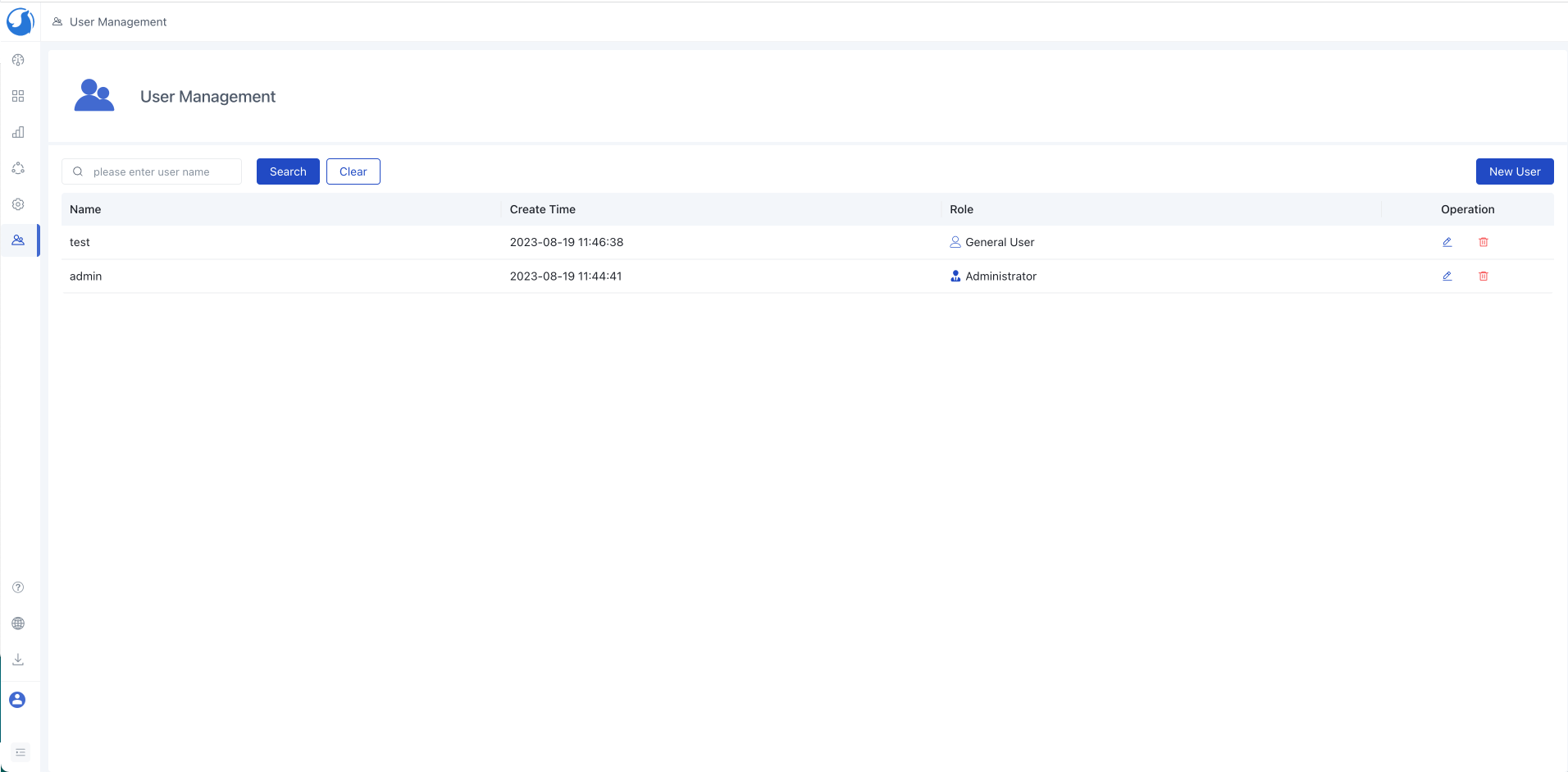
- Click
User Managementin the left navigation bar,enter the user list.
Note:
- Only users with the administrator role are supported for this operation.
Create Users
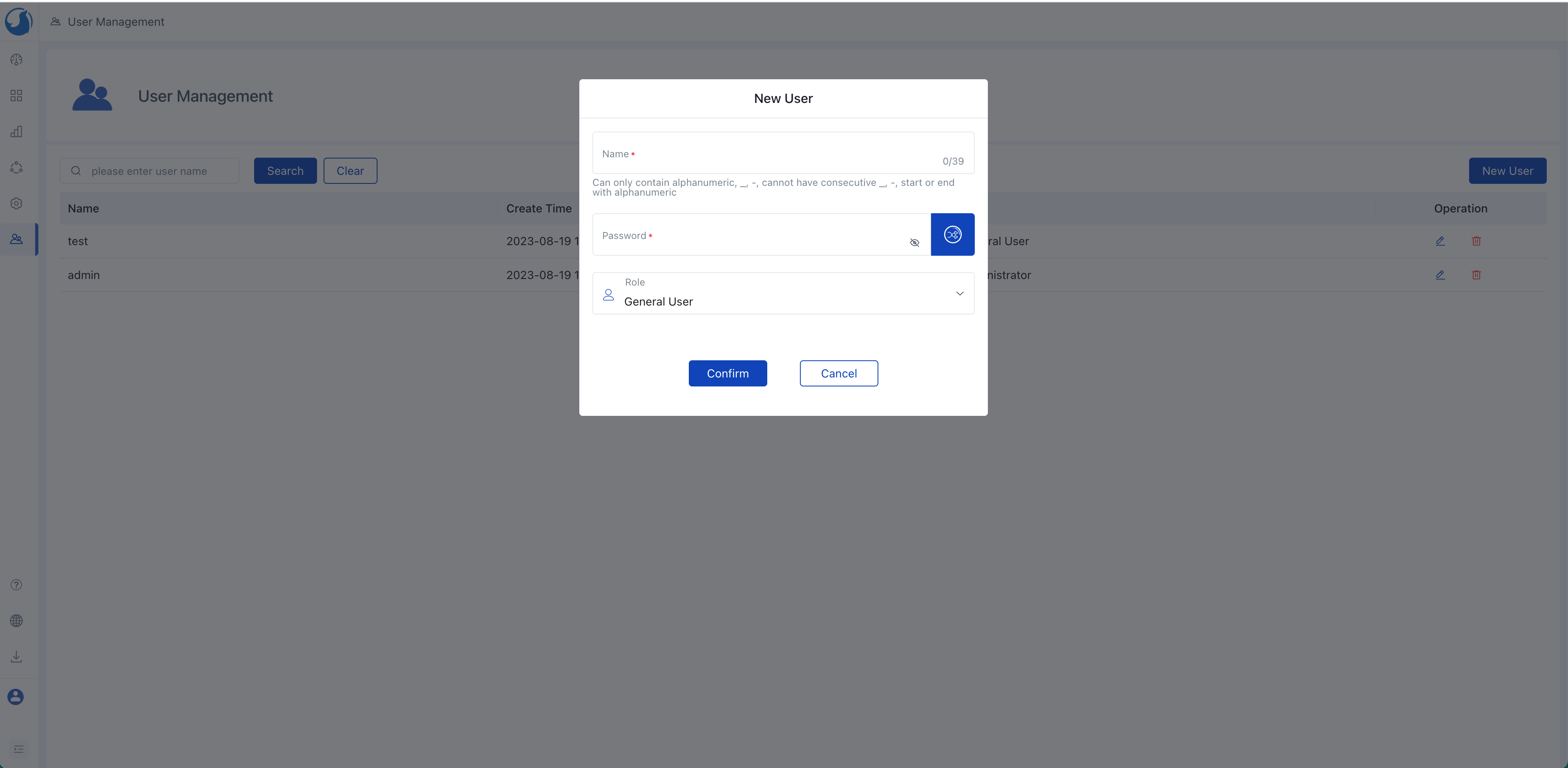
- Access the User Management page and click
New User. - Enter "Name" and "Password", select "Role", and click
Confirm.
Hint:
- You can also quickly generate a random password by clicking the icon on the right side of the password input box.
Search Users
Enter the username in the search box, click Search or press Enter to perform a fuzzy search based on the username.
Modify Users
Click on the row of the user to be modified and select
Modify, choose to change the "Password" or "Role".Click
Confirmto complete the modification.
Delete Users
Click on the row of the user to be deleted and select Delete, then choose Confirm to complete the deletion.