Create a Catalog on GitHub
This tutorial explains how to create a template catalog on GitHub, use the catalog to sync templates, and create services from the templates.
Prerequisites
To follow this tutorial, you will need:
- A GitHub organization account
- Walrus installed
Create the Catalog
Refer to the GitHub docs for creating a GitHub organization.
Create Template Repositories on GitHub
- Log into GitHub, click
New repositoryto create a new repository. - Give the repository a name like
my-template. - Check the
add a README fileoption. - Click
Create repository.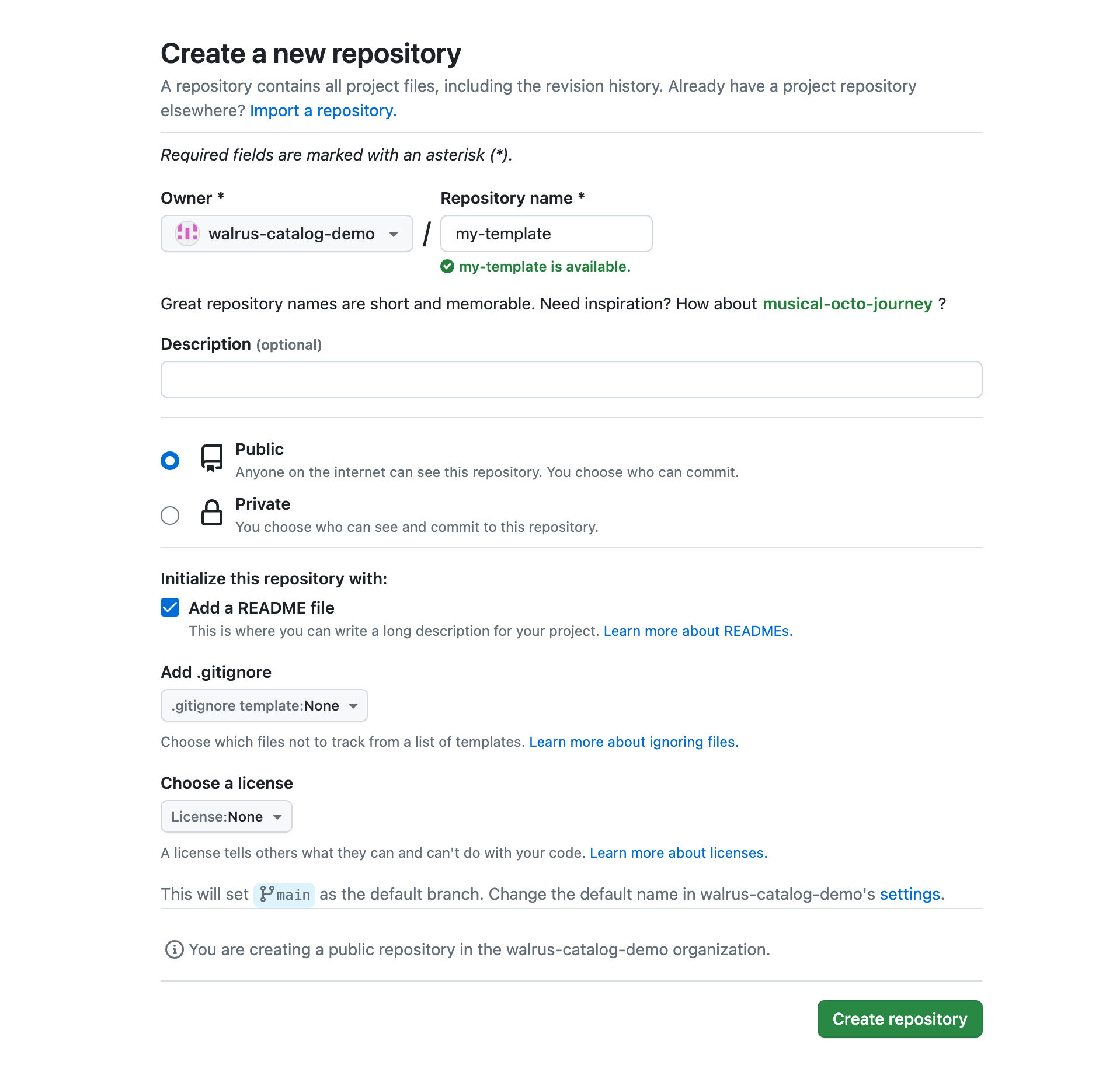
- Follow Terraform module tutorials and Template extension to create a template and commit it to the repository.
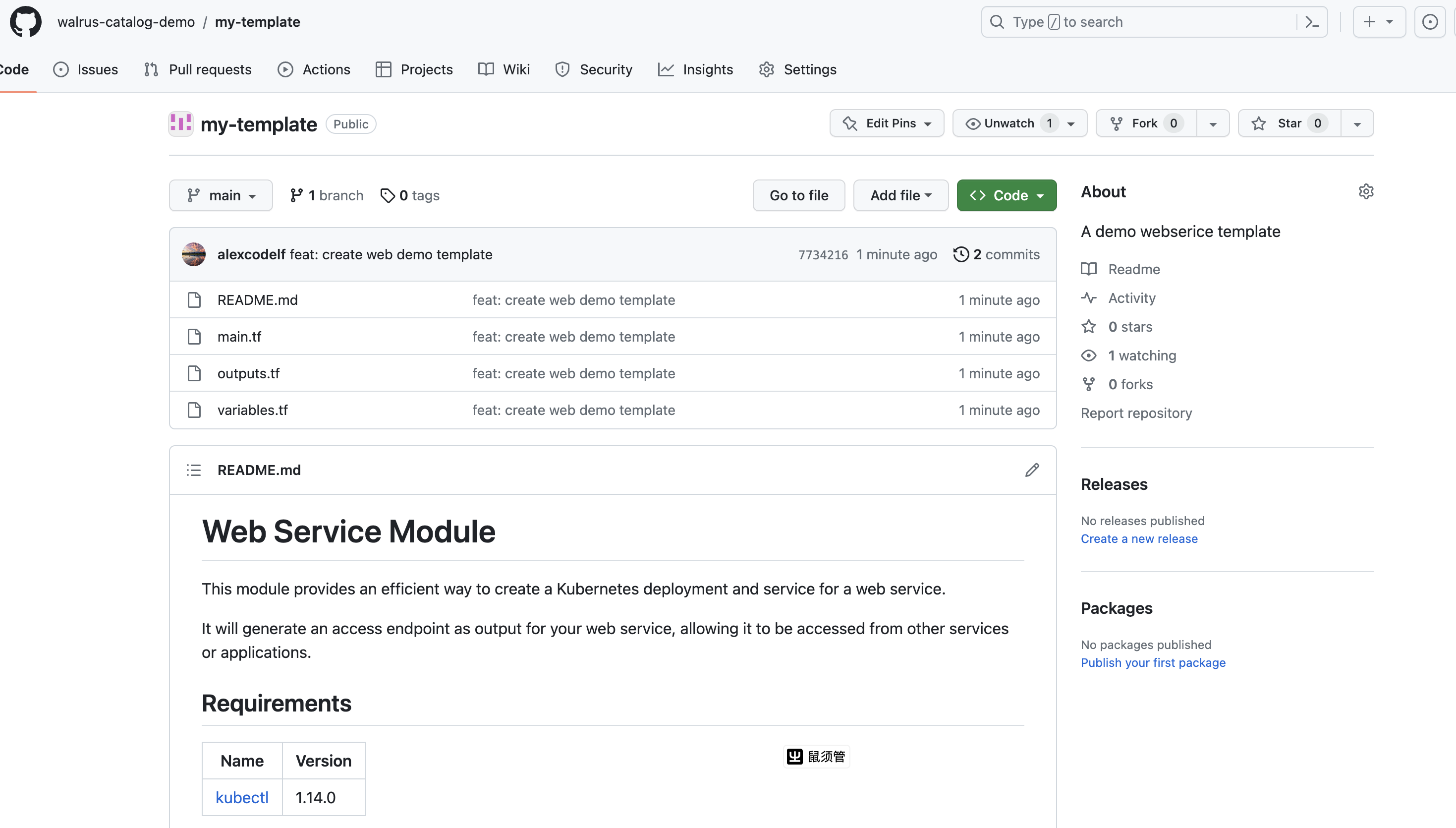 The created template repository contains a v0.0.1 tagged version with main.tf, variables.tf, outputs.tf and README.md files.
 - Create other template repositories like
my-rdsin the same way.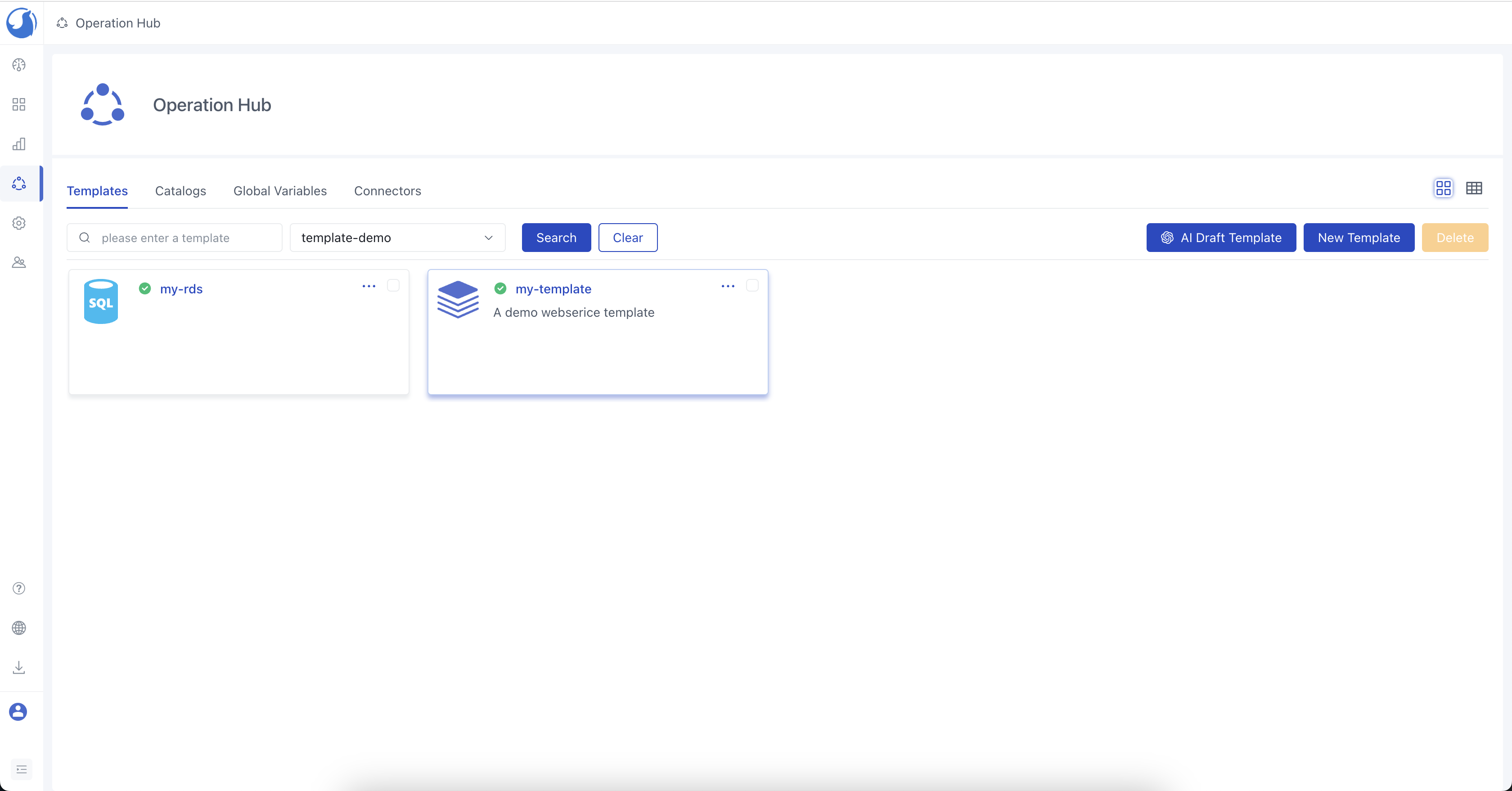
Use the Catalog
- Go to the
Catalogtab underOperations Hub. - Click
Add Catalogand fill in the name and source for the catalog, e.g. template-demo.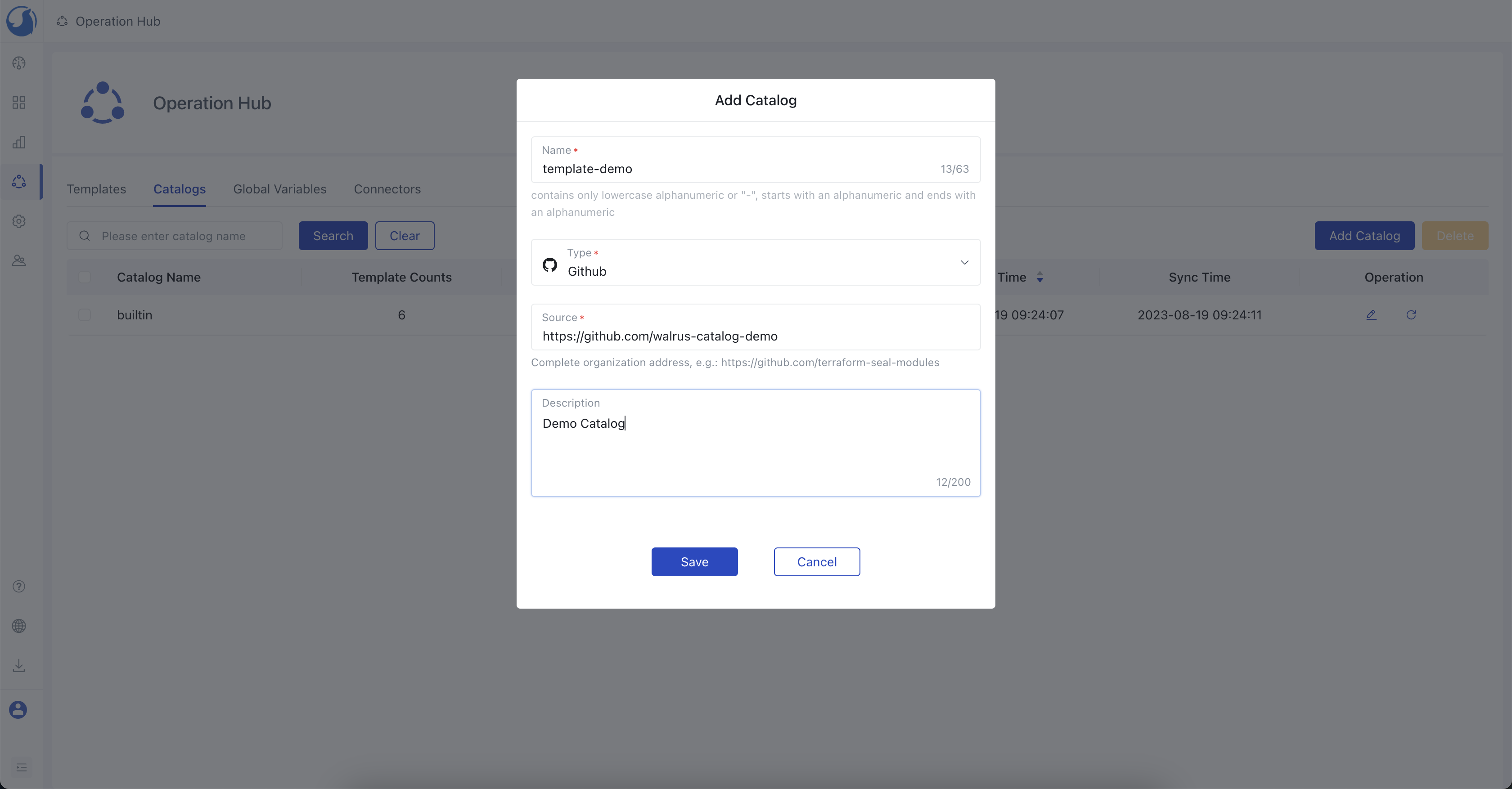
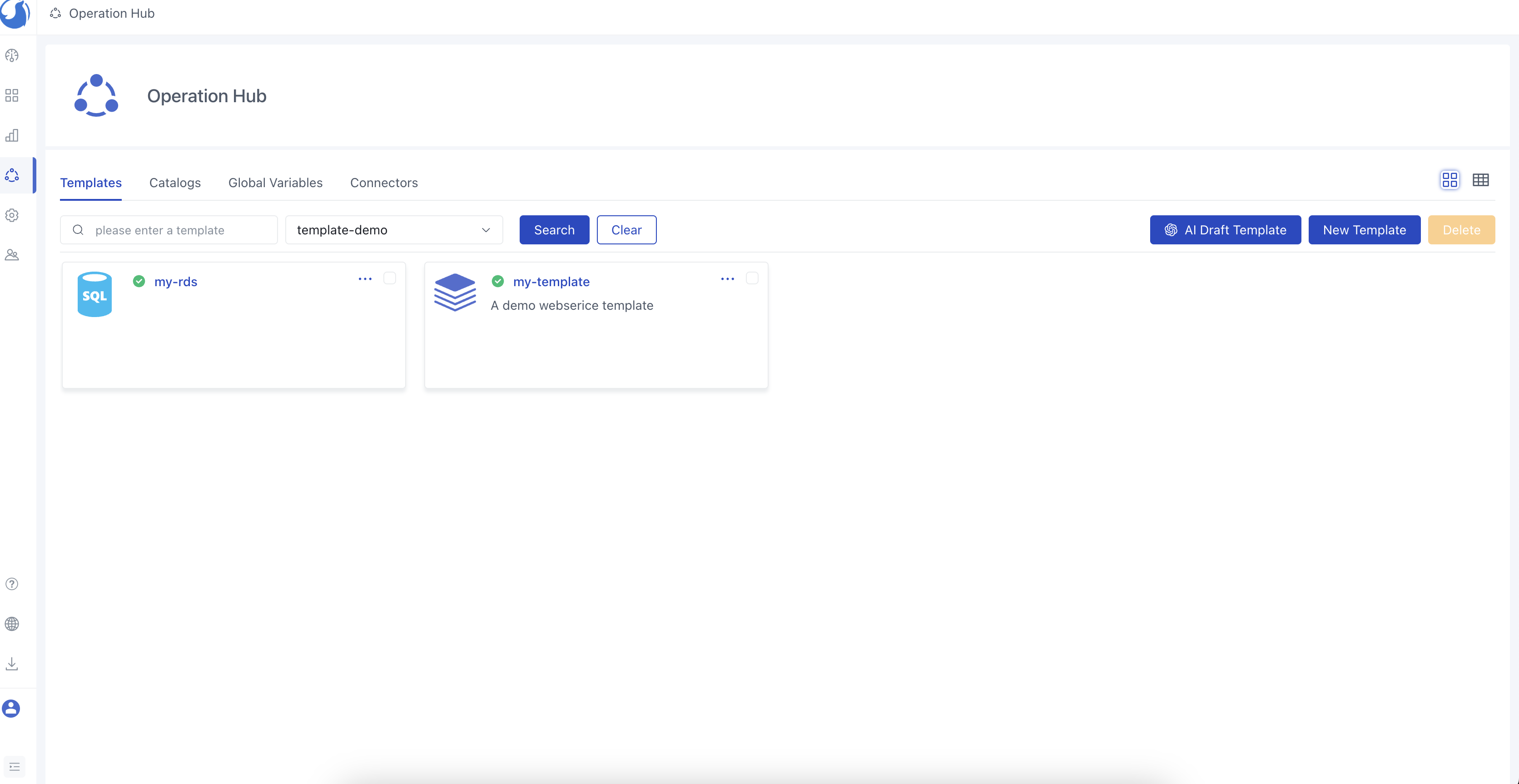
- The my-template and my-rds templates should be available after the import task is completed.
Create Services with the templates
- Go to
Application Managementand select a project and environment.(If you don't have a project and environment, refer to Create an Environment) - Click
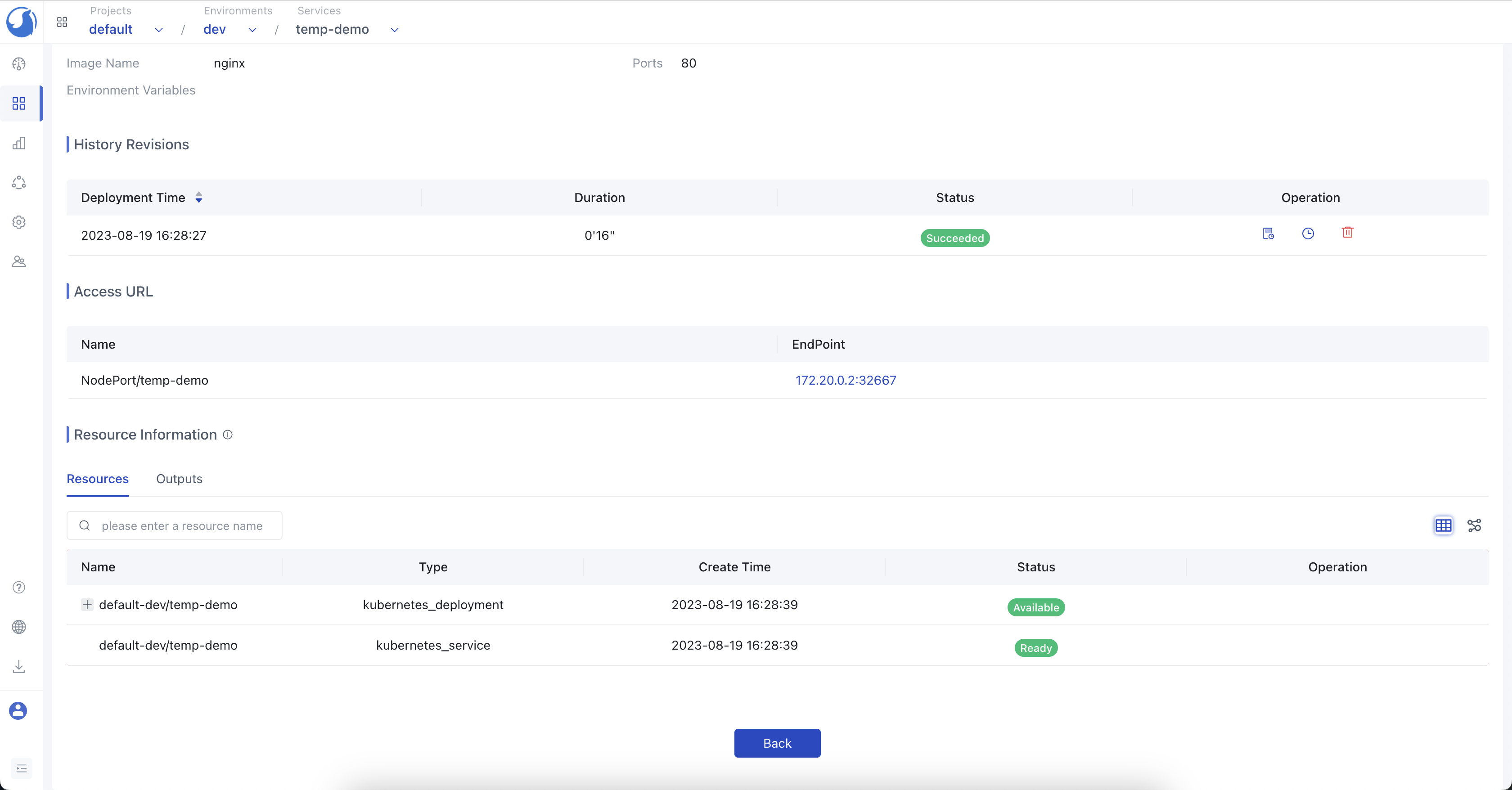
New Service, choose a template from the catalog in previous step, here we choosemy-template, fill in parameters and clickCreate. - Check the service status until creation is complete.